Manage your todos
from Cursor
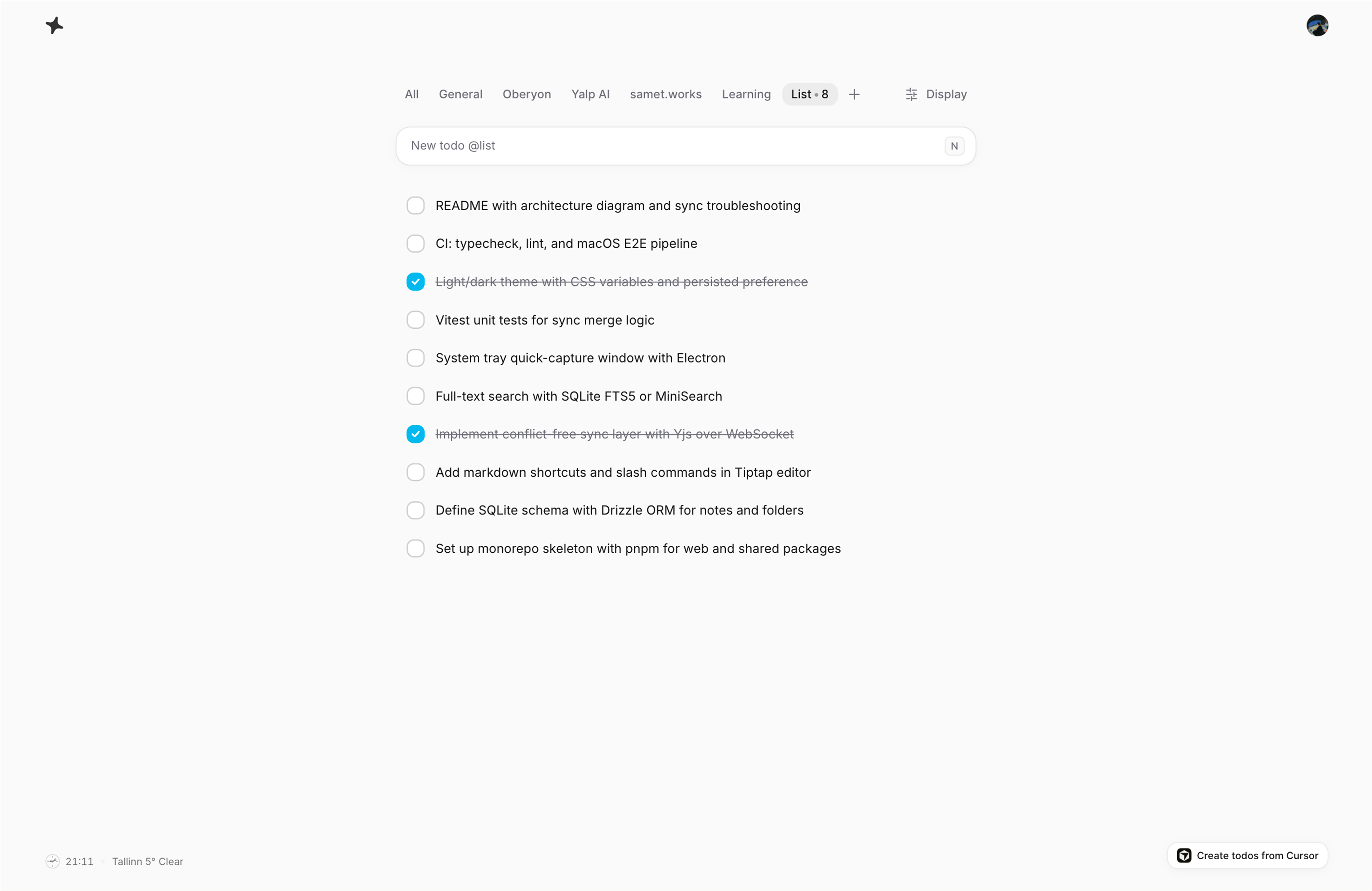
A focused todo workspace for everything you need to do, and you can
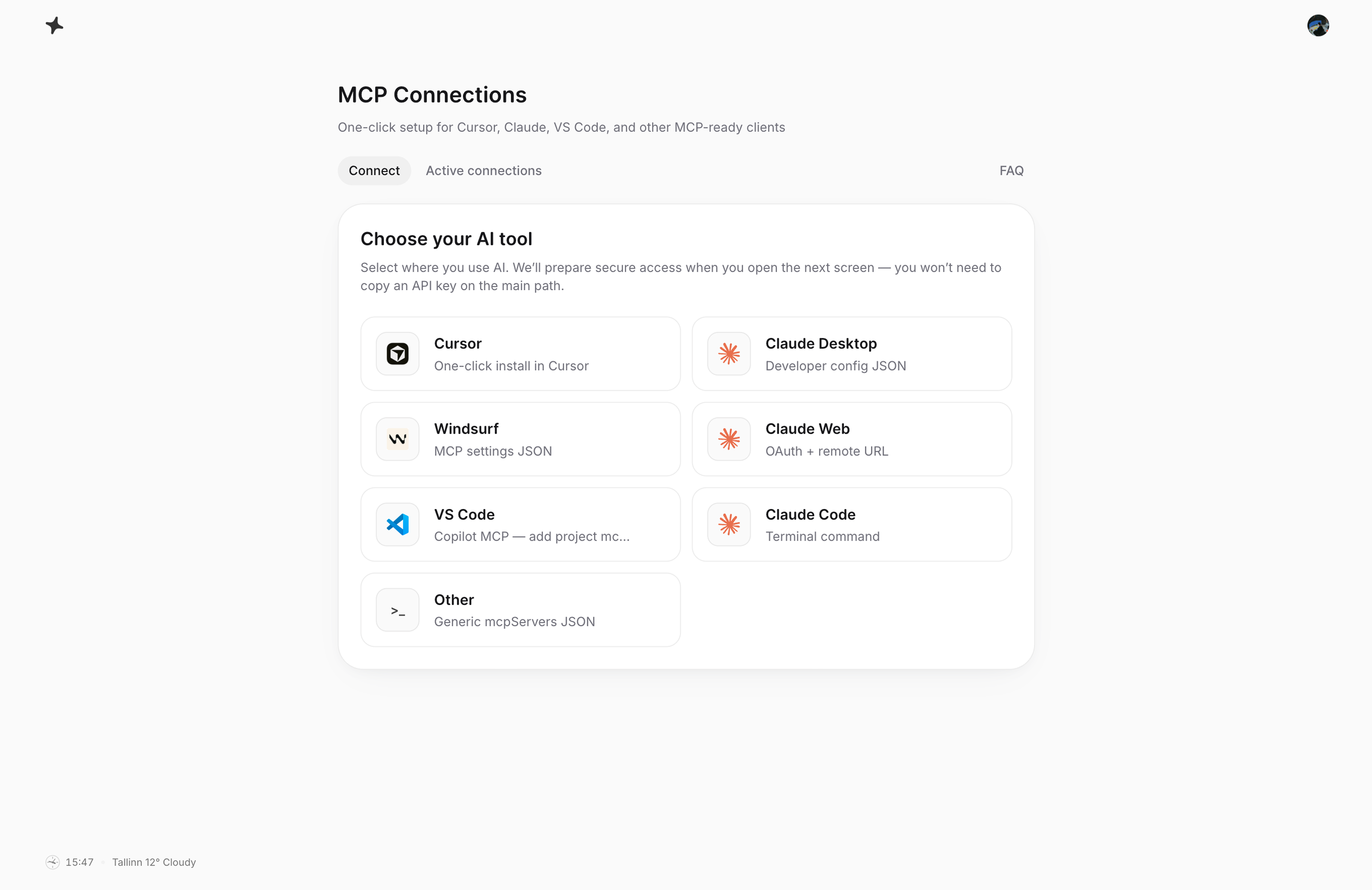
drive it from Cursor, Claude Desktop, or any other MCP-ready app.


Simplified features
Capture fast, stay in sync, and
connect when you need more power.
Built on MCP
Powered by MCP, the standard for connecting tools and data.
Capture in seconds
Add tasks from Cursor, Claude, or the web app without breaking your flow.
Every list stays in sync
Your lists and todos stay consistent across MCP clients and the web app.
Organize with clarity
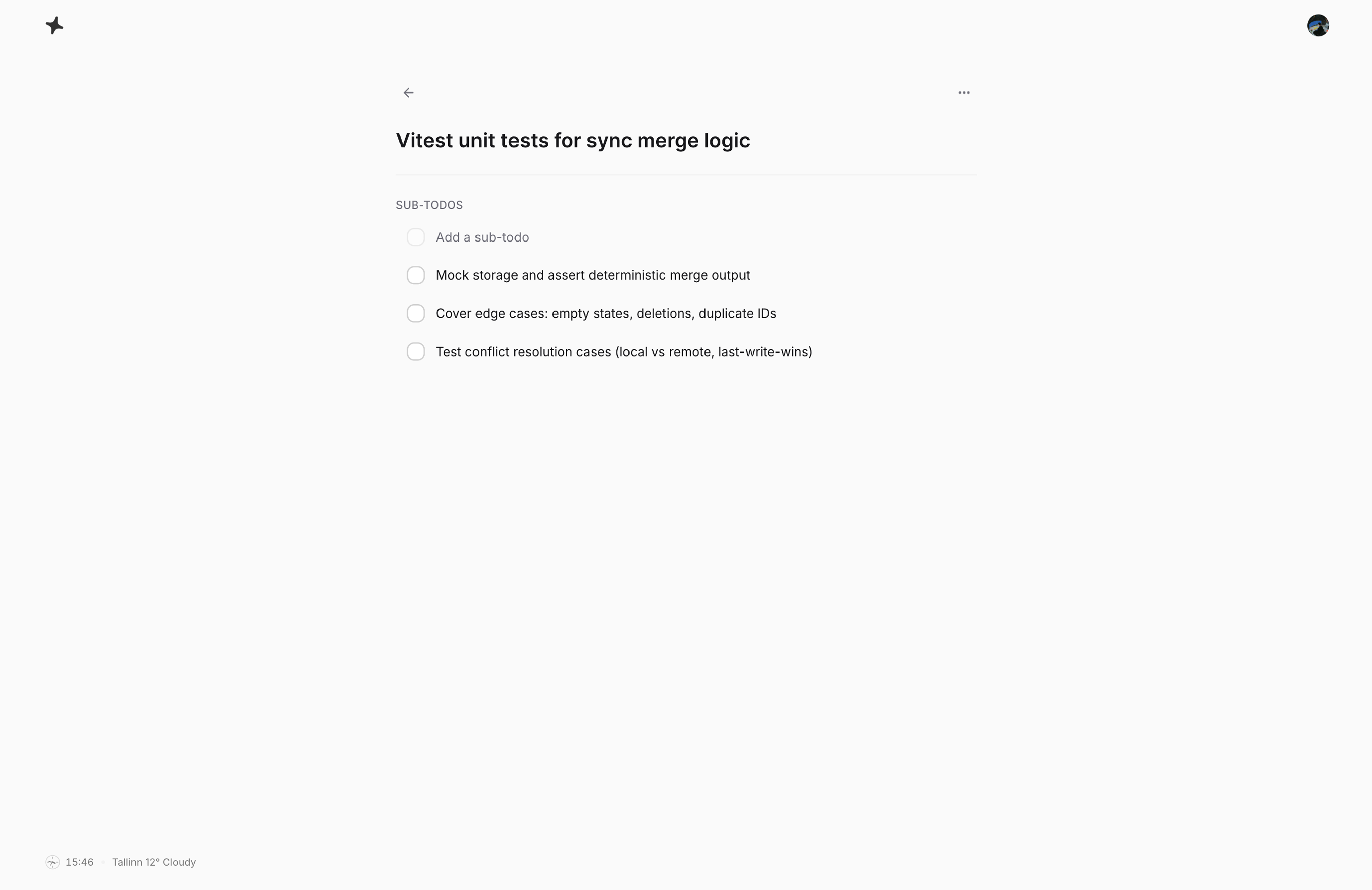
Keep priorities, lists, and due dates clear so nothing gets lost.
Private by default
Your tasks belong to your account. No ads. No selling your data.
Full web app
Manage your list in the browser with the same sync.
Native macOS app
Use Yalp in a dedicated Mac app window with the same synced account.
Simplified pricing
Our pricing is simple and transparent;
you just pay for value and scalability.
- Unlimited active todos across every list
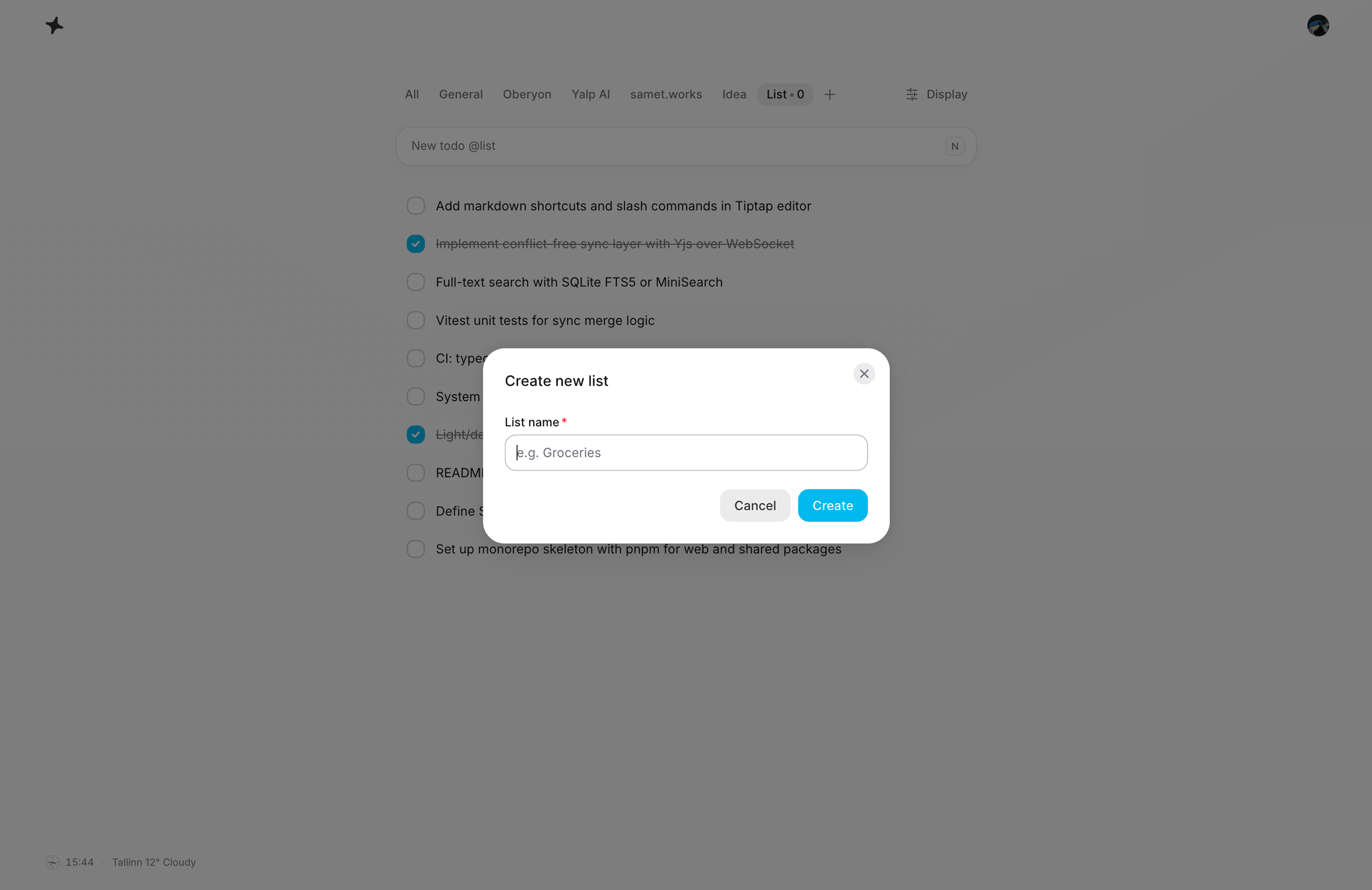
- Unlimited custom lists (no per-list caps)
- Unlimited active notes across every folder
- Unlimited custom folders (no per-folder caps)
- macOS app + MCP + web: todos, notes, drag-and-drop, and keyboard workflow without free-tier limits
- Priority updates while subscribed
Billing is handled securely via Stripe. Yearly plans can be managed or cancelled from your account anytime; Lifetime is a one-time payment with no renewals.
What our users say
What early users say after moving
their daily workflow to Yalp.
“Yalp is the first todo app that actually fits how I work with AI. I can brainstorm in Cursor, and my real tasks are already there without copy-pasting anything.”
Merve Cankiz Coruh
Product Manager
FAQ
Straight answers to what people usually ask
before trying Yalp.
What is Yalp?
Yalp is a focused workspace for todos and notes, with a full web UI and an MCP server so tools like Cursor and Claude Desktop can list, add, and complete tasks in your real account, without copy-pasting between chat and a separate app.
What is MCP, and why would I use it?
MCP (Model Context Protocol) is a standard way for AI apps to connect to data and tools. With Yalp’s MCP integration, your assistant can work with the same todo lists you see in the browser, using your permissions, instead of juggling snippets or fake demo lists. Notes live in the web app today; MCP covers todos.
Do I need a credit card for the free plan?
No. You can sign up and use the free tier without entering payment details. You only pay if you choose a Pro plan at checkout.
What are the free limits, and what happens if I reach them?
Free accounts can have up to 25 active todos across all lists, plus 1 custom list beyond Today with up to 10 active todos in that list. Notes follow the same shape on the free tier: up to 25 active notes across all folders, plus 1 custom folder with up to 10 active notes in that folder. If you need more, upgrade to Pro for unlimited todos, lists, notes, and folders, or complete work to stay within the free caps.
Can I use Yalp without Cursor or Claude?
Yes. The web app is a full client on its own. You can manage todos, lists, notes, and folders in the browser. MCP is optional and for when you want your AI tools wired into your todo lists.
Will my todos and notes be used to train public AI models?
Your todos and notes are tied to your account and are there to help you work, not to be sold to advertisers or mixed into public model training. Use Yalp for your own productivity; we don’t monetize your content that way.
How does billing and cancellation work for Pro?
Pro checkout runs through Stripe. For Monthly and Yearly plans you can manage or cancel from your account; you’re not locked in beyond the period you’ve paid for. Lifetime is a one-time purchase with no renewals.
Does Yalp only work with Cursor and Claude?
Those are the examples we show most often, but any MCP-capable client that can connect to Yalp’s server can use the same tools, including today’s stack and tomorrow’s, as long as they speak MCP.